Teams
✓ Centralized billing & management✓ Unified identity & resource management✓ SAML/OIDC Single Sign-On✓ IM channel controls✓ Team knowledge engine-powered agents✓ Privacy mode management✓ Development metrics
Enterprise
Includes all Teams features, plus:✓ Group-based permissions and billing management✓ Multi-dimensional model policy control✓ Plugin sharing and distribution control✓ Private enterprise marketplace✓ Audit log✓ Priority support
Get Enterprise Plans
1
Create organization
Visit www.qoder.com/pricing, select the Teams or Enterprise subscription plan, and follow the on-page guide to fill in your organization details.
Teams and Enterprise plans are independently isolated and do not support seamless upgrades/downgrades. Please choose based on your team size and needs.See pricing details for plan features and pricing comparison.
2
Set the number of seats
Qoder currently supports purchasing through the official website and the Alibaba Cloud Marketplace. Details for each channel: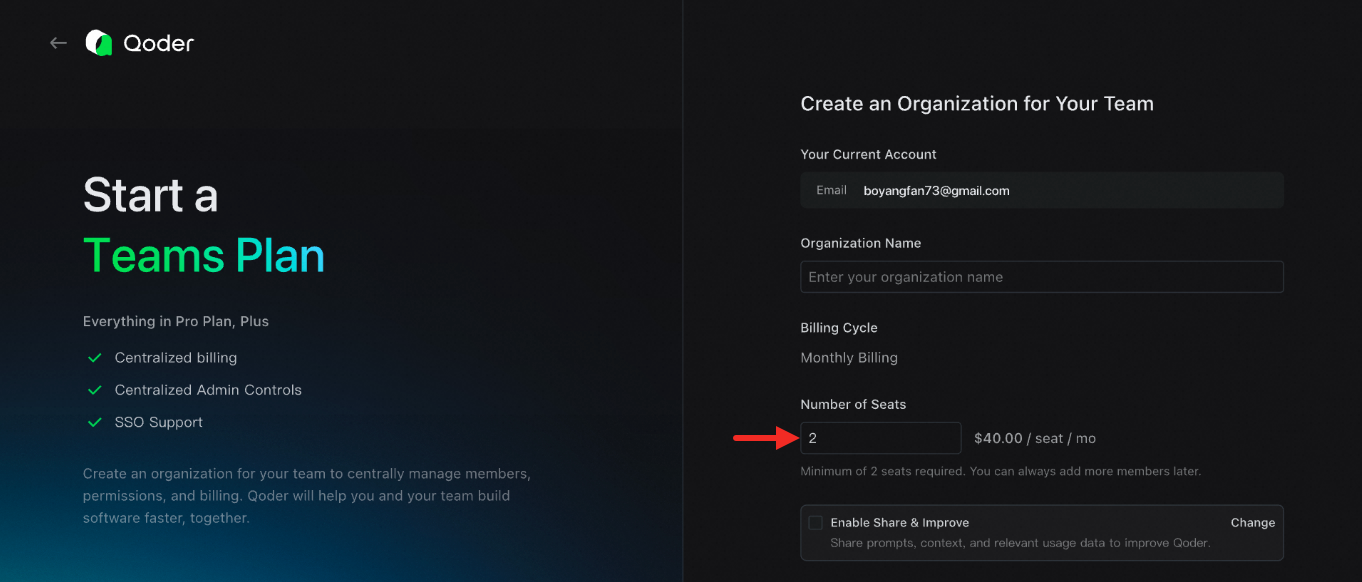
- Direct purchase on the official website:
- Purchase via Alibaba Cloud Marketplace: You need to purchase a redemption code from the cloud marketplace, which will be automatically redeemed to your created organization. See About Redemption Codes for details.
3
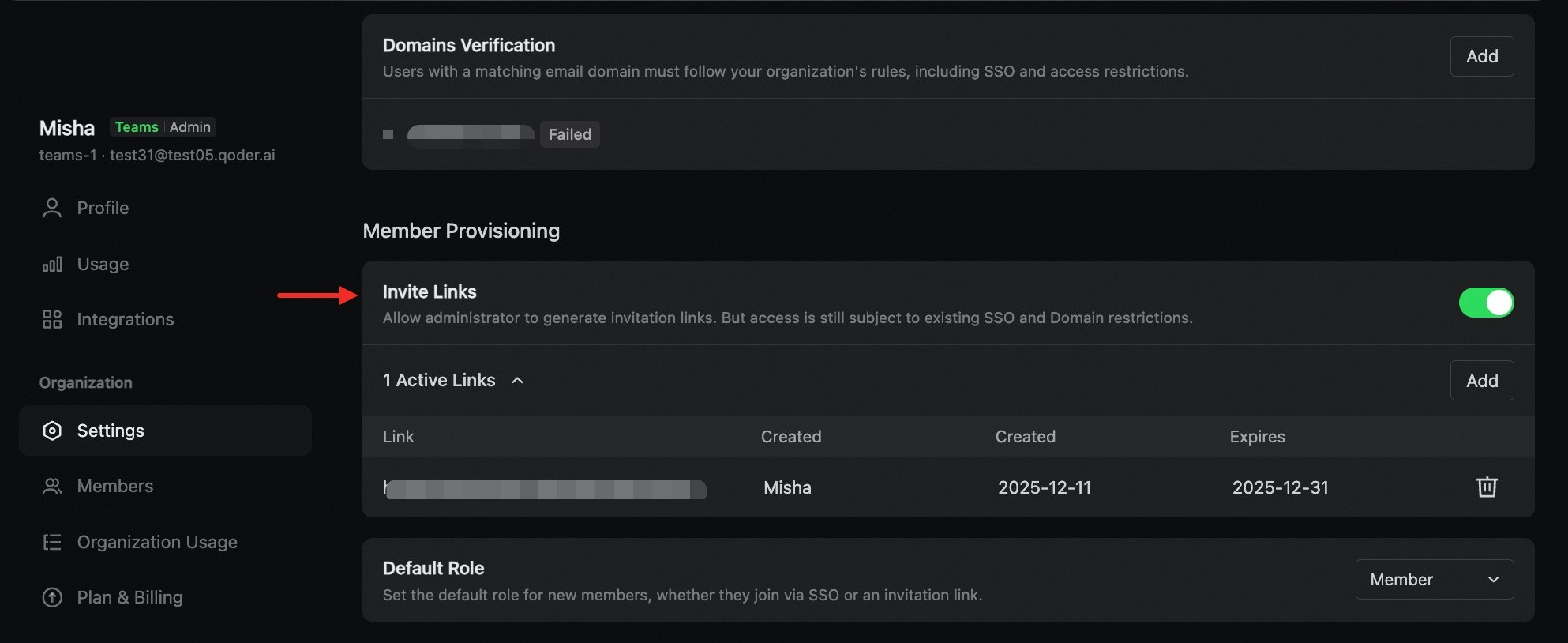
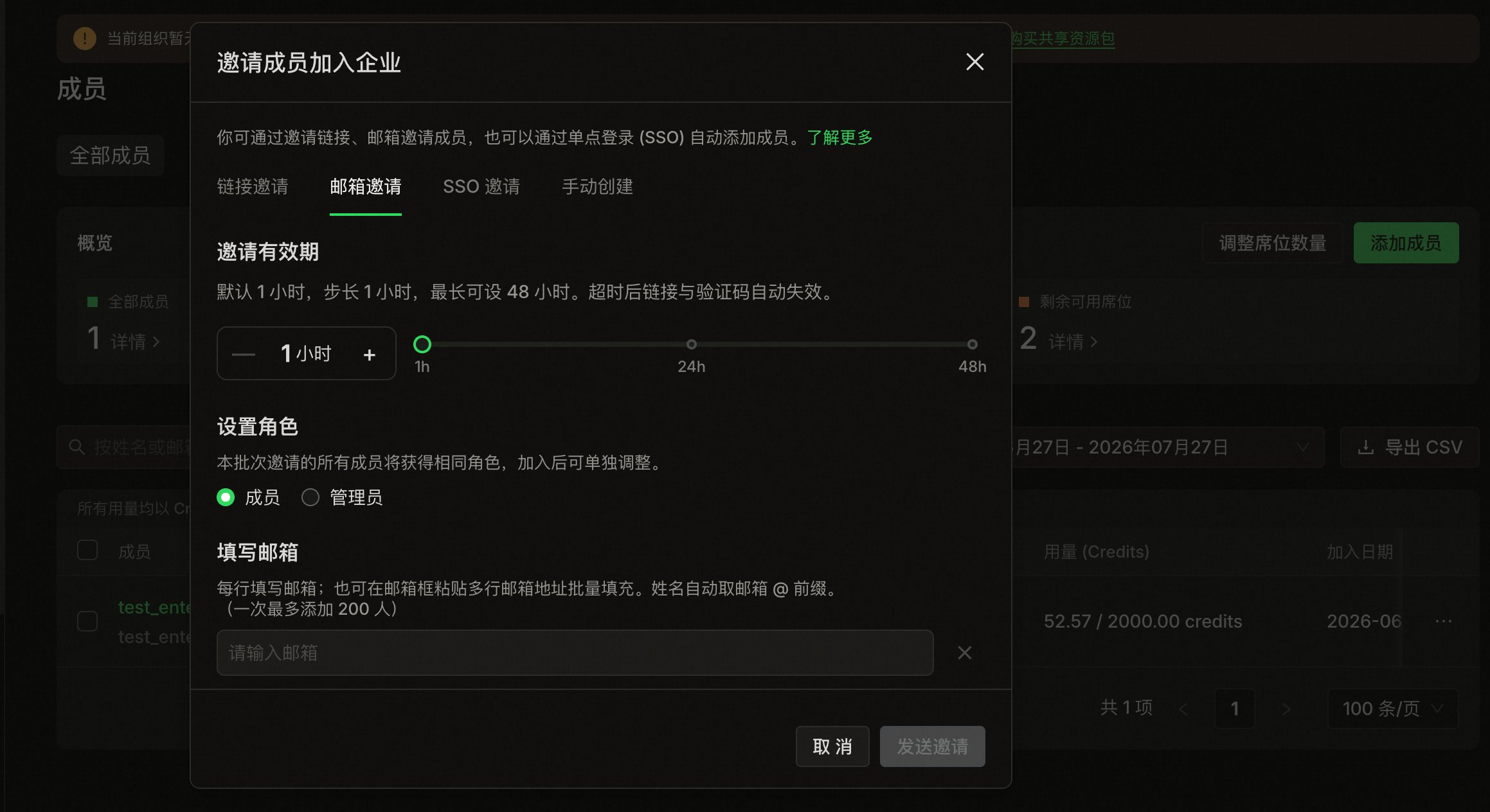
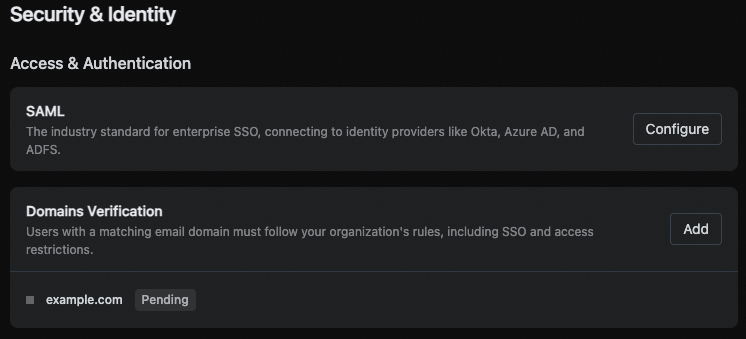
Add team members
You can add members to your organization using multiple methods: invite link, email invitation, Single Sign-On, or manual creation (Enterprise only).Invite via LinkGo to Organization Settings, enable the invite link feature, and send the generated link to the users you wish to invite. See Invite via Link.